

Read the failure
A version whose build failed appears on the plugin page marked build failed, with a short reason. Open the build to see the full message, the commit it built from, and the attempt count.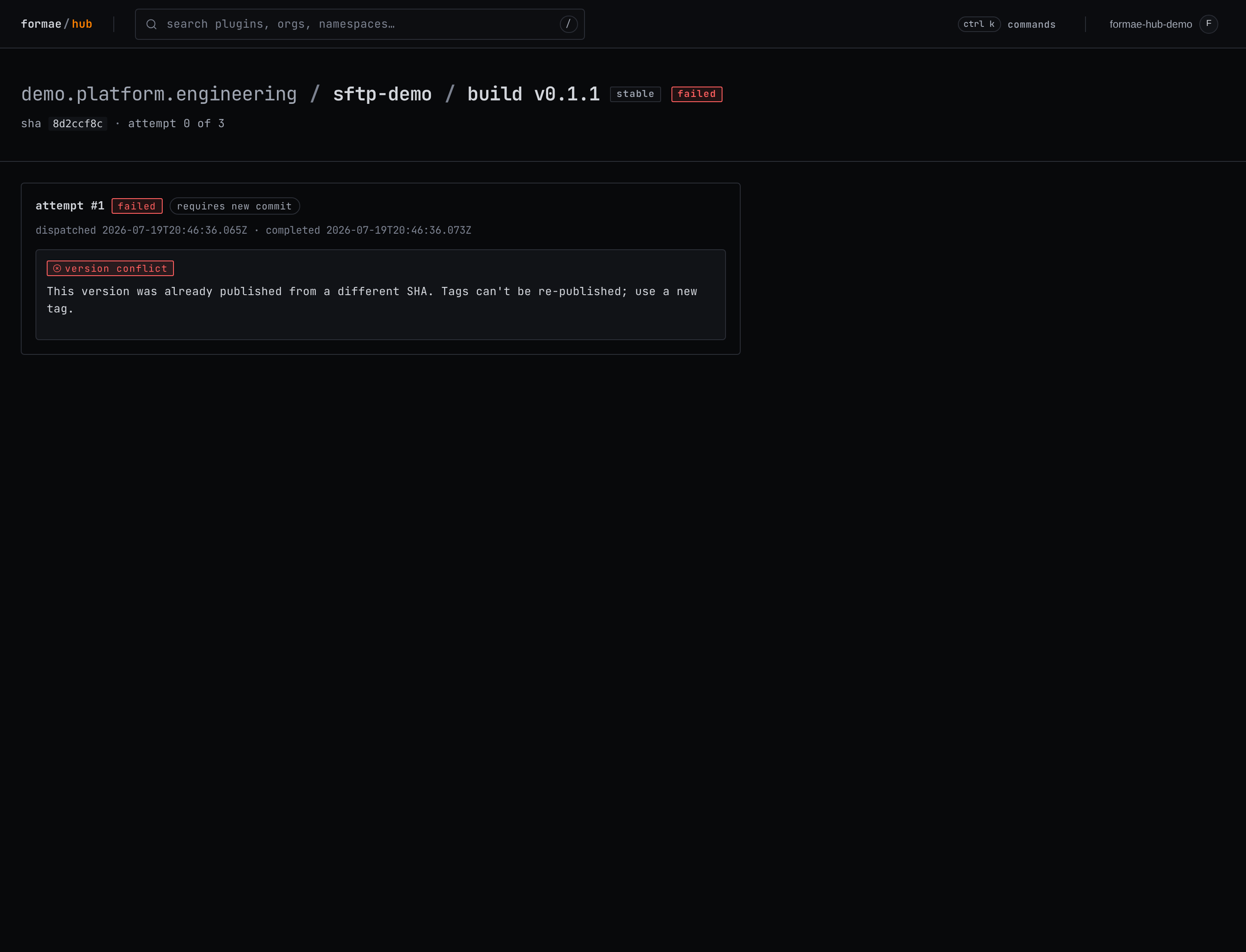
Fix and re-push, before a version succeeds
While a tag has not yet produced a successful build, the tag is not fixed. Fix the cause in your code, then move the tag to the new commit and push it again:A published version’s tag is fixed
Once a version has built successfully, its tag is locked to the commit it was published from. If you move the tag afterward, the build fails with a clear message:This version was already published from a different SHA. Tags can’t be re-published; use a new tag.This protects everyone who already installed the version from having it change underneath them. To ship a fix, publish a new version with a new tag, as in Release a version.
Retry or cancel a failed build
On the plugin page, a failed build offers two admin actions. Retry rebuilds the version once the repository has a new commit to build from. Cancel clears the failed entry. When a build has failed and cannot be retried automatically, the plugin page shows an action-required note so the failure does not go unnoticed.Common causes
- License not accepted. The
LICENSEmust be one the hub allows (Apache-2.0,BSD-3-Clause,MIT, orMPL-2.0), and its contents must match the standard text. See Publish a plugin. - Schema does not validate. Every resource type must use the plugin’s registered namespace. Run
make verify-schemalocally before tagging. - Version already published. The tag points at a version that is already live from another commit, as above.
See also
- Release a version: the tag-driven release flow.
- Test a plugin locally: catch problems before you tag.