

formae-plugin.pkl manifest, its LICENSE file, and its
schema, so the plugin’s identity comes from the code rather than from anything
you type. This guide registers the plugin. Publishing an actual version happens
afterward, in Release a version.
Before you start, make sure of the following:
- You have a verified organization.
- Your plugin lives in a GitHub repository with a valid
formae-plugin.pkl. Scaffold a new plugin creates one for you. - The repository’s
LICENSEis one the hub accepts:Apache-2.0,BSD-3-Clause,MIT, orMPL-2.0. The hub validates the license by its contents, so use the standard text for the license you declare.
1
Point the hub at your repository
From your organization page, select register a plugin and enter the URL
of the GitHub repository that holds the plugin. The hub reads
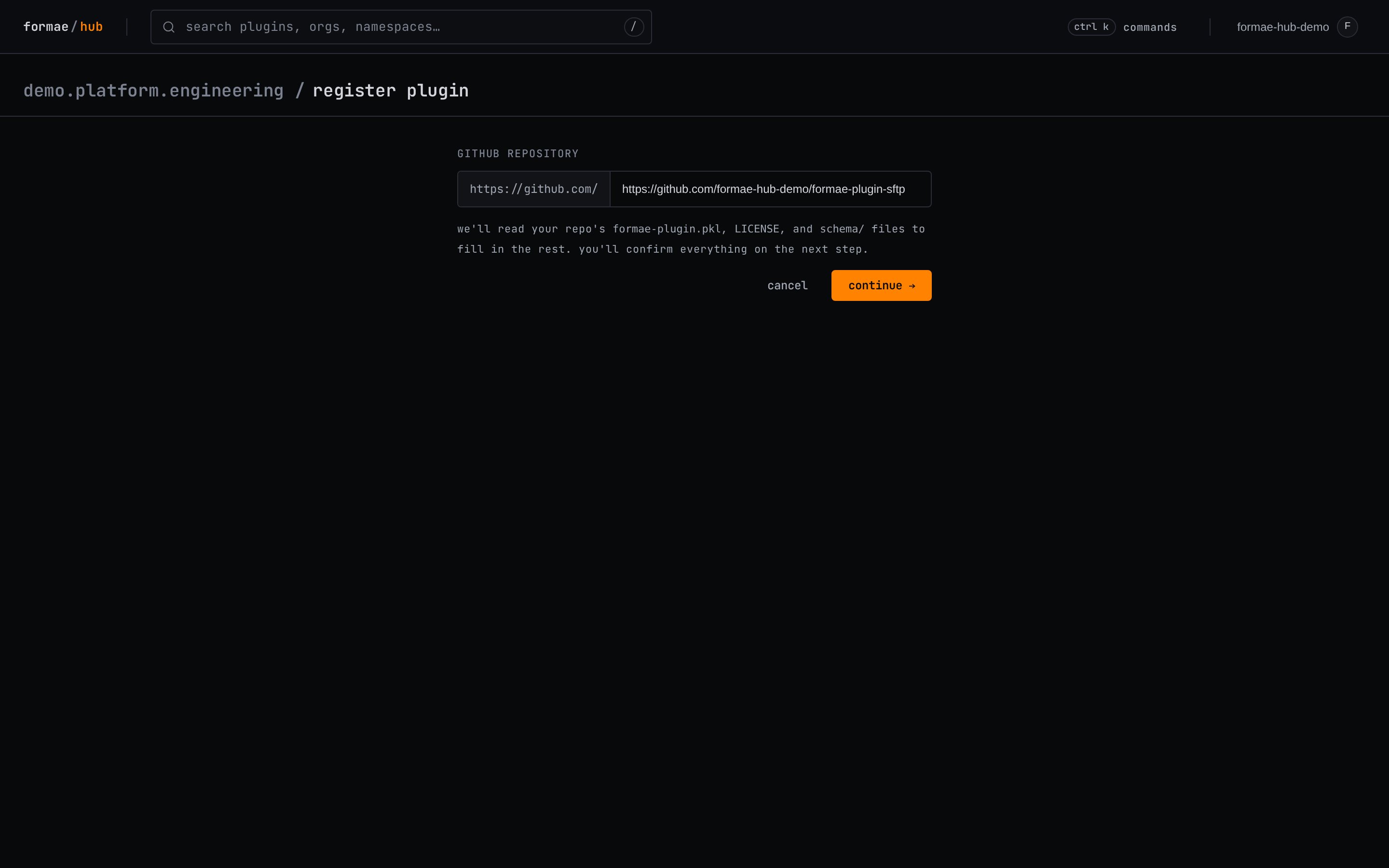
formae-plugin.pkl, LICENSE, and the schema/ directory from that
repository to fill in the plugin’s details.2
Install the GitHub App on the repository
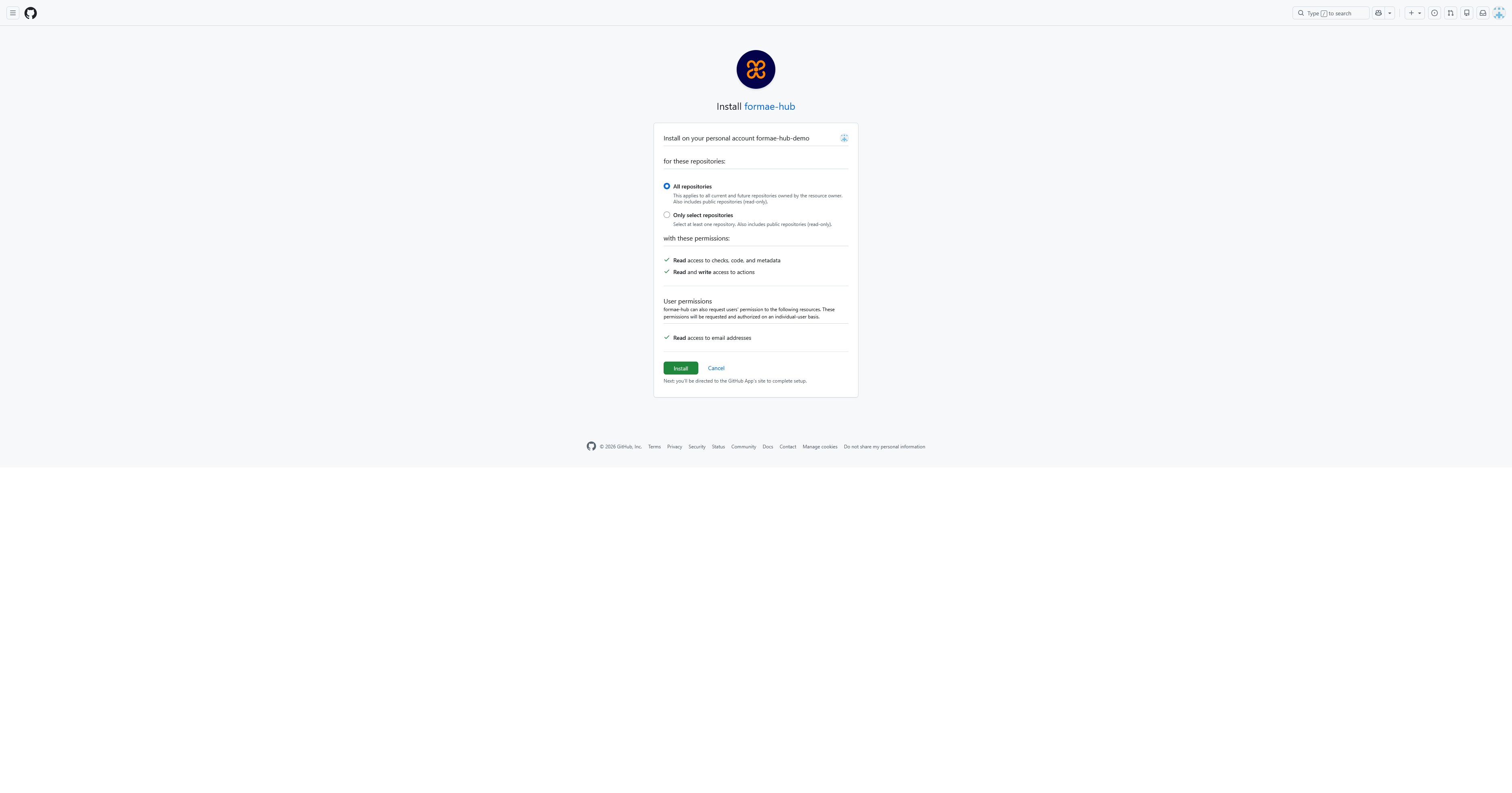
The hub builds your plugin from source, so it needs read access to the
repository. When you continue, GitHub asks you to install the formae/hub App.
Choose the account or organization that owns the repository.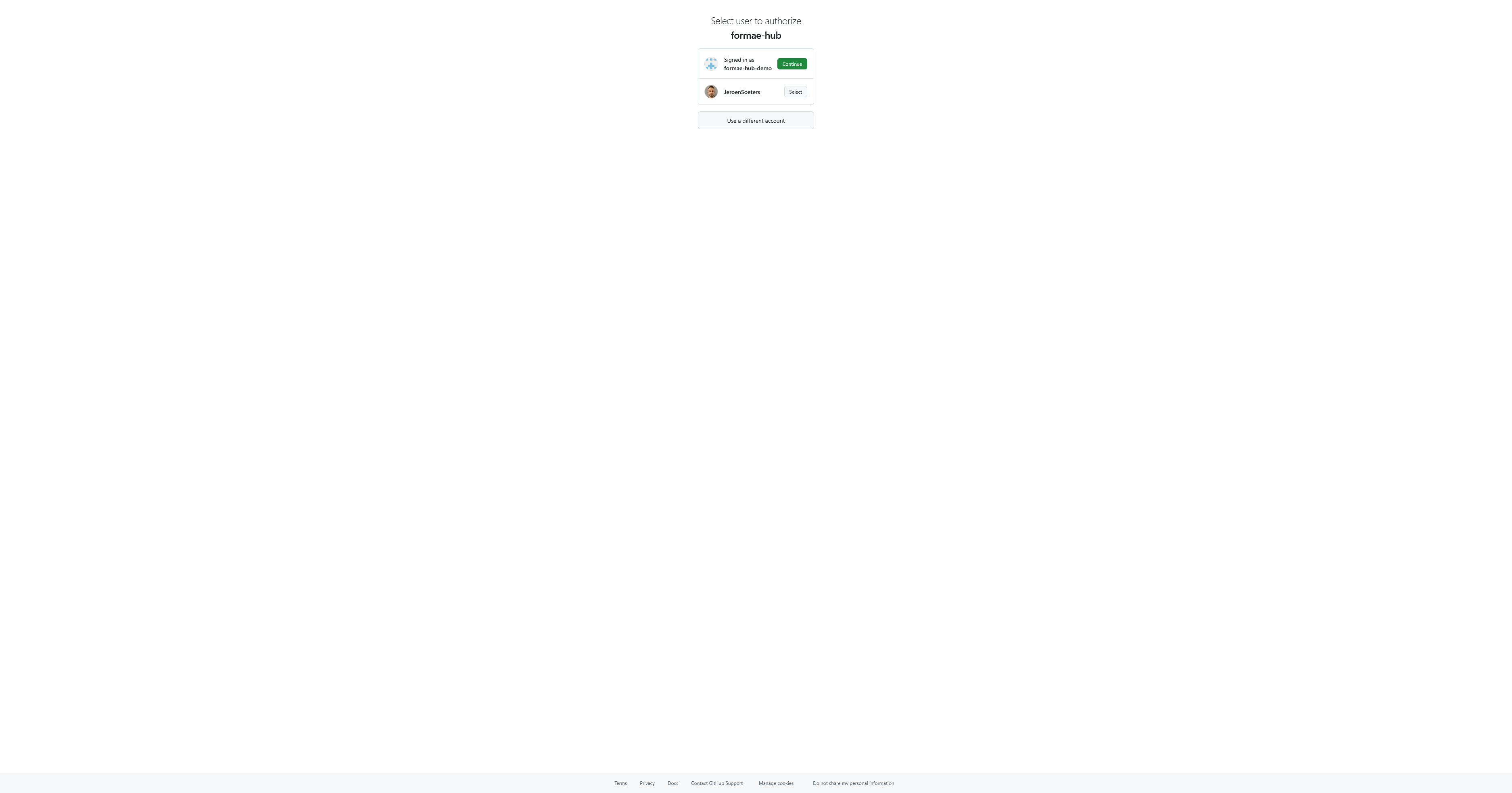
3
Confirm the plugin details
The hub shows the values it read from the repository: the name, namespace,
category, and summary from 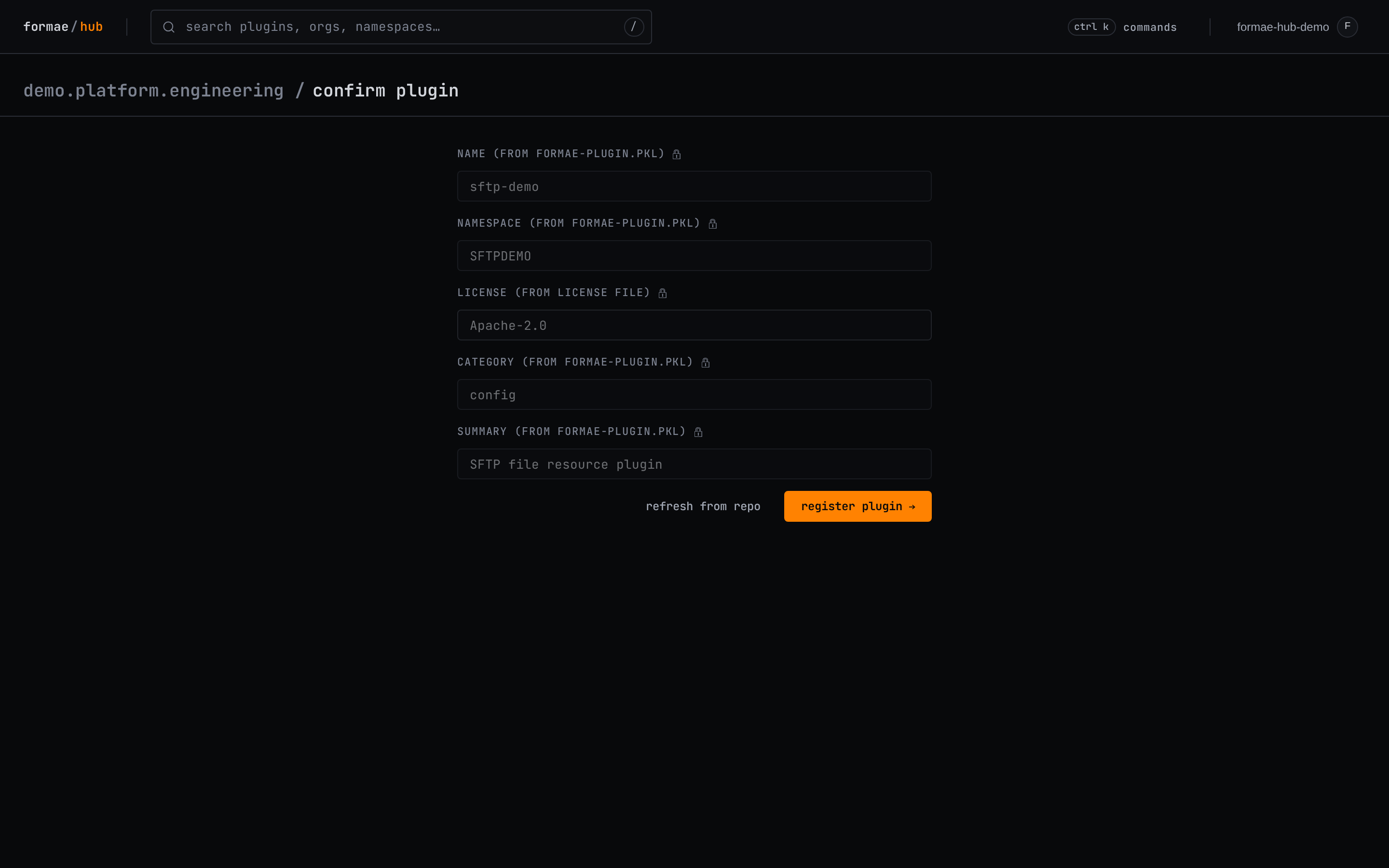
formae-plugin.pkl, and the license from
LICENSE. These fields are read-only because they come from the code. Review
them, then select register plugin.If the license is not one the hub accepts, registration stops at this screen.
Set
LICENSE to a standard accepted license, update the manifest’s license
field to match, and select refresh from repo.4
The plugin is registered
The plugin now appears under your organization. It has no versions yet, so
the hub prompts you to publish one. Publishing a version is covered next, in
Release a version.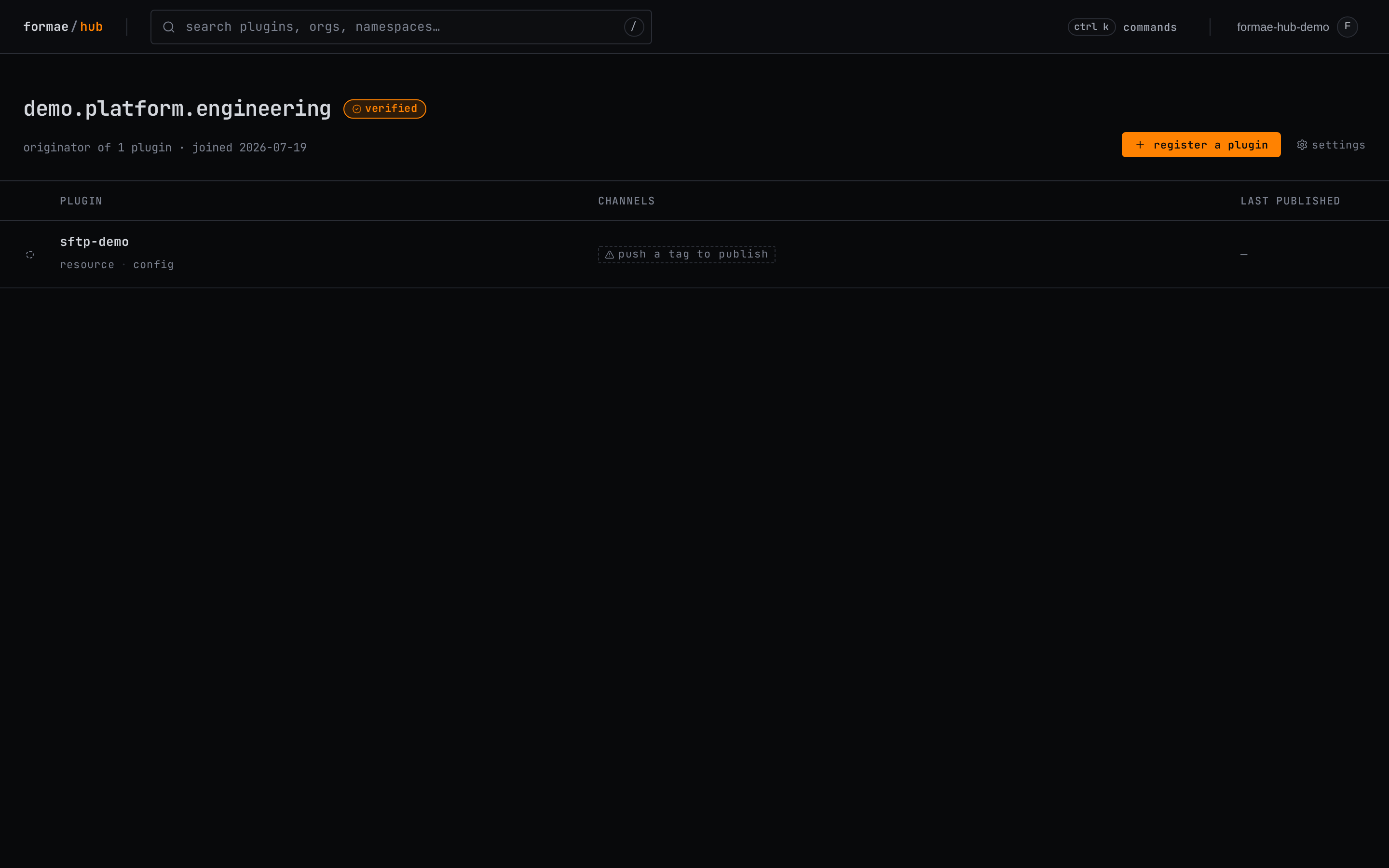
See also
- Release a version: push a git tag to build and publish a version.
- Register an organization: the verified organization a plugin publishes under.